
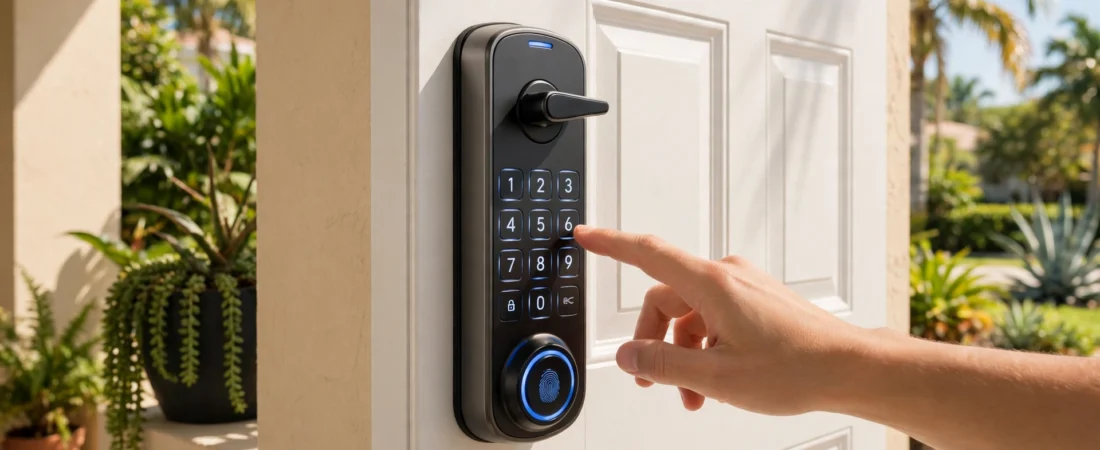
Keys get lost, copied, and locked inside the house. Smart locks fix that by letting you open your front door with a code, your fingerprint, or your phone instead of a metal key. If you’re thinking about smart locks in Sunrise, FL, the hardest part is choosing between the three main types: keypad, fingerprint, and Wi-Fi. Each one works a little differently, and the right choice depends on your home, your family, and how much tech you actually want in your front door.
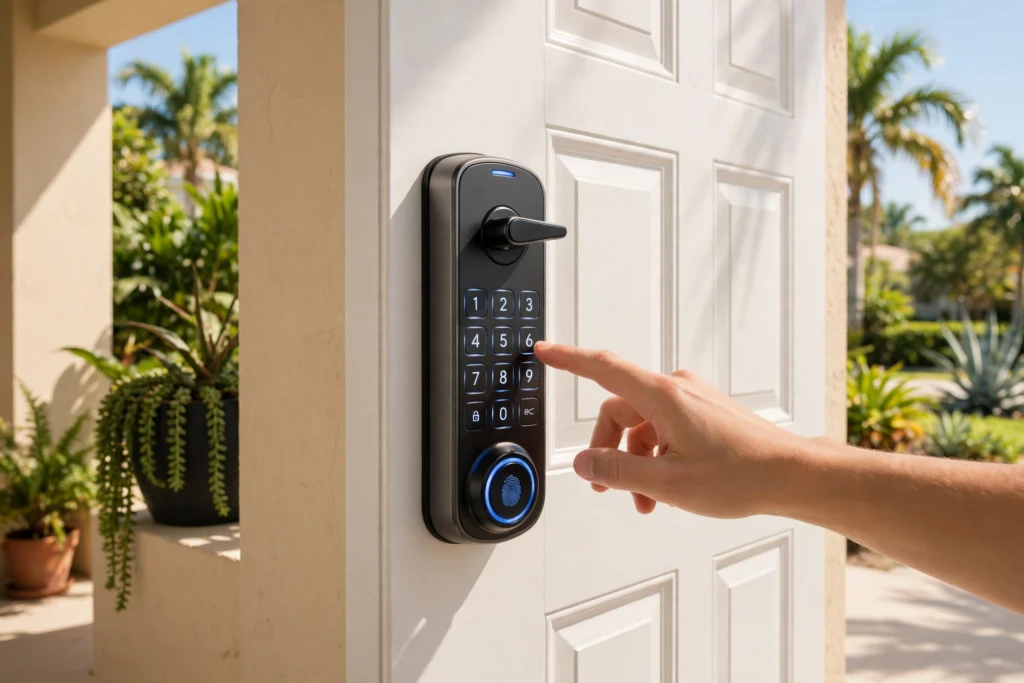
Keypad Smart Locks: Simple Codes, No Keys
A keypad smart lock replaces the keyhole with a number pad. You type a PIN code to unlock the door — no key to carry, lose, or copy. Most models let you create a different code for each person in the household, plus temporary codes for a house cleaner, a dog walker, or a guest who is staying for the weekend. When the visit is over, you delete the code.
Keypad locks are the easiest smart locks to live with. They run on batteries, they work even if your Wi-Fi goes down, and there’s no app you have to learn. The trade-off is that codes can be shared or watched over your shoulder, so it’s worth changing your code every few months and choosing one that isn’t your birthday or your street number.
Keypad locks are a great fit for rental properties, families with kids who come home from school on their own, and anyone who wants keyless entry without a complicated setup.
Fingerprint Smart Locks: Your Finger Is the Key
A fingerprint smart lock opens with the touch of your finger. You register each person’s fingerprint, and the lock recognizes it in a second or two. There’s no code to remember and nothing to type — you just touch the sensor and walk in.
This is the most convenient option for daily use, and it’s hard to beat for security: nobody can guess, share, or steal your fingerprint the way they can a code. Most fingerprint locks also include a keypad or a traditional key as a backup, so you’re not stuck if the sensor has trouble reading a wet or dirty finger.
The main thing to think about is who uses the door. Fingerprint locks work best when everyone in the household can reliably register a print. If you have very young children or an older relative whose fingerprints are worn, test the sensor first or pick a model that also has a keypad.
Wi-Fi Smart Locks: Control From Anywhere
A Wi-Fi smart lock connects to your home internet, so you can lock and unlock your door from your phone — from the couch, from work, or from the other side of town. Did the kids forget to lock up? Check the app. Need to let a neighbor in while you’re away? Send them a temporary digital key or unlock the door remotely and lock it again when they leave.
Wi-Fi locks also keep a log of who came and went, and many send you a notification every time the door is unlocked. Some connect to voice assistants and other smart-home devices, so the door can lock itself automatically at night.
The catch is the connection: a Wi-Fi lock depends on your internet and your home network. If the power or the router goes out, the remote features stop working — although the lock itself still opens with a code, a fingerprint, or a key, depending on the model. Battery life also matters, because the Wi-Fi radio uses more power than a basic keypad.
Which Smart Lock Is Right for Your Home?
There is no single best smart lock — there is a best one for how you live:
- Choose a keypad lock if you want the simplest upgrade: no app, no internet needed, easy codes for family and guests.
- Choose a fingerprint lock if you want the fastest everyday entry and the strongest protection against shared or guessed codes.
- Choose a Wi-Fi lock if you want remote control, entry logs, and temporary access for people who visit while you’re away.
- Choose a combination model if you want it all. Many smart locks today include a keypad, a fingerprint reader, and Wi-Fi in one unit, so you get the convenience of all three and a backup if one method fails.
Whatever you choose, make sure the lock fits your door. Smart locks come in different sizes and backsets, and some doors — especially older or non-standard ones — need an adapter or a small adjustment before a smart lock will sit properly.
Smart Locks and Home Security in Sunrise, FL
A smart lock is only as strong as the door and the deadbolt behind it. Before you upgrade, it’s worth checking that your door frame is solid, the strike plate is secured with long screws, and the deadbolt extends fully into the frame. A smart lock on a weak door is still a weak door.
That’s also where a local locksmith earns their keep. At Sunrise Lock & Car Key, we install smart locks, help you pick a model that fits your door and your budget, and make sure the lock is aligned, programmed, and tested before we leave. We also handle the traditional side of home security — rekeying, lock replacement, and residential locksmith service across Sunrise and nearby Broward County cities.
If you’re locked out because a smart lock battery died or a code stopped working, we can help with that too. Our emergency lockout service runs 24 hours a day, 7 days a week, and we can get you back inside and get the lock working again.
Getting Started With Smart Locks in Sunrise, FL
Smart locks are one of the easiest home upgrades you can make. No more hiding a spare key under the doormat, no more rekeying every time a key goes missing, and no more wondering whether you locked the door after you left.
If you’re ready to go keyless — or if you already have a smart lock that needs installing, fixing, or replacing — call Sunrise Lock & Car Key at (786) 606-6638. We’ll talk through the options, recommend a lock that fits your door, and install it for you.
Sunrise Lock & Car Key is a locally owned locksmith serving Sunrise, FL — honest service with no hidden fees. We serve Sunrise and nearby cities across Broward County, 24 hours a day, 7 days a week.